
3 Essential Tips Before Letting Your Child Play Multiplayer Games
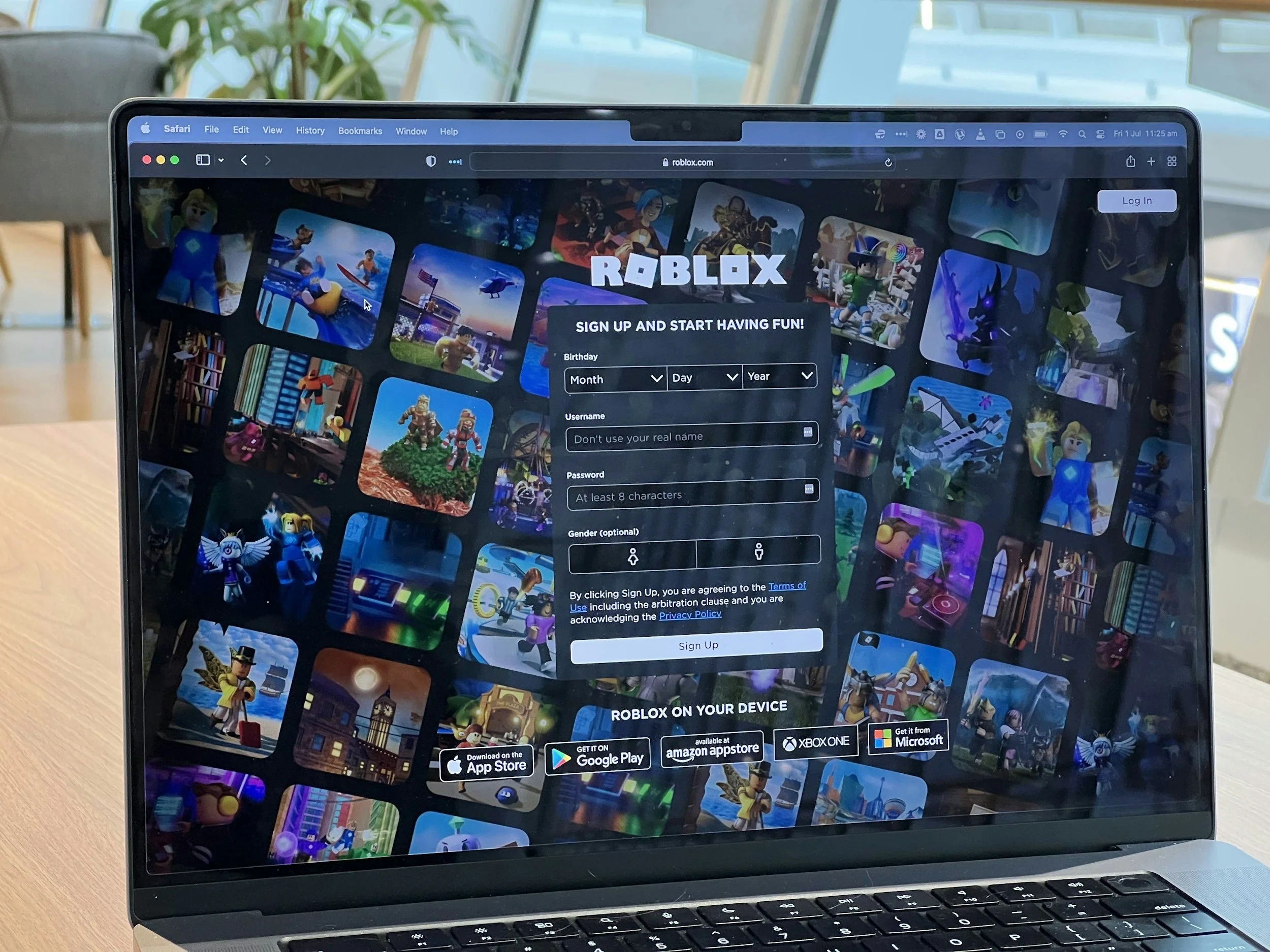
Tip #1: Know What You’re Allowing Your Child to Sign Up For
For our 2-min explanation of Roblox for parents check out our post here. (We recommend following it up with our 3-min guide to Discord, another popular platform for adolescents, as Discord chat groups - or “servers” - are a common place for gamers to discuss gaming techniques or sub-topics as they play Roblox or Minecraft on a separate screen.)
There are also lots of longer and decent Roblox guides out there: I recommend checking out this one by the UK Safer Internet Center (7 mins read) as it’s one of the few that highlights the importance of spending time talking to your child about their gaming habits (super important!).
Mini-tip
If you find out that you (or your child’s other caretakers) don’t personally have the time to research the gaming platform’s pros and cons and look through the parental controls they have in place on your own, this may be a helpful sign that your family is not ready to bring multiplayer games into your life yet. (And that’s fine!) In this case, have a chat with your child. Here’s a sample script:
"I hear that you’re excited about playing with your friends, and we’ll get there eventually, but I need to make sure I understand what you’re getting into and how to teach you how to stay safe before anything else. We need to go at our own pace on this, because it’s not like other games you can just play on my phone that are on an app. Let’s set a time to check in again after I’ve done this in 2 or 3 weeks, okay?”

Tip #2: Try It Out First Before You Let Your Child Create an Account
You may not be a gamer. You may not know how Roblox works. But think about it like how you would taste your children’s food when they were starting solids - you’d want to make sure it wasn’t too spicy, or too hot, right? (Or maybe you WANTED them to build a tolerance to spicy, so you’d taste it to know that it was just slightly spicy enough.) This is the same. Sign up and schedule a few times a week to mess around on it. Have fun, go where your interests and curiosity take you - because that’s what your child, like most first time users, will be doing, too.
Mini-Tip
Roblox actually has a sandbox for parents to test out Roblox before their children do, but we recommend doing it on your own and not staying in their safe zone, because it’ll be closer to what your child / other youth might be experiencing or hearing other peers talk about once they start using it.)
It can help to update / chat with your child casually every so often during this process to let them see how your thinking is evolving. This can help them feel involved in the process and minimise ongoing requests from them, and most importantly, you’re role modeling how you’re critically thinking about the pros and cons of Roblox / the game.
Sample script (during a meal or driving):
“Oh, you know what else I did today? I played around on Roblox for a few minutes and found this new place I’d never been before. I liked that I learned a new technique and could play with other people. But it didn’t feel great when other people started grouping together to play against me. So I decided to take a break and signed off. I hear from other players that this happens sometimes, and I’m trying to figure out why that happened and whether I want to go back.”
Tip #3: Explain How Multiplayer Games Are Different Than Other Apps
Multiplayer games are fundamentally different digital places than the (relatively) safe, bounded app that your child might be used to on their tablet or your phone. If an educational app on your phone is like a paddling pool in your backyard, a multiplayer game like Roblox or Minecraft (even with parental controls) is much closer to letting them swim offshore on a beach that is - usually - safe.
Although most beaches we would allow our kids to swim at would have lifeguards and we might make the kids wear floaties or swim accompanied by us in the shallow water, there are still things like rip-tides, undercurrents, other swimmers, broken bottles, etc. Multiplayer games are similar: even with the best parental controls, you can’t control away the unpredictability 100% - because it’s the internet.
Your child probably - unless they have a stellar digital literacy curriculum at their school, or have gamers as parents - doesn’t understand this, and may question why it’s such a big deal to let them out into a multiplayer game that’s hosted in a live, internet-connected setting. So: teach them.
Here’s a sample script:
“Did you know that games like Roblox are different than apps on my phone or your tablet that you play now? On [their favorite gaming app on your phone or tablet] it was just you playing against bots. That meant you were playing against a computer, not another human. But now it’s not going to be just you playing on an app alone or playing against bots. Roblox is a game that’s connected to the internet and to other players. There are other kids and adults on Roblox from all over the world pretending to be characters, and they can do things together, meet each other and sometimes talk to each other on these games.
That’s why it’s so important for me and you to have a longer discussion about how to stay safe - because it’s not just about the game, it’s about the internet.”
In all these conversations, you’re respecting the child’s interests (in wanting to try something new that their friends already have, potentially); demonstrating to them the importance of taking time and evaluating the pros and cons to make the decision that’s right for your family; and role modeling critical thinking and communication as you think through your eventual decision.